
Sharing
Share a walk-through of your new home
Send a link and the people you choose can walk through your home on their own phone or computer, no account needed. They can look, but never edit your home or see your plans.
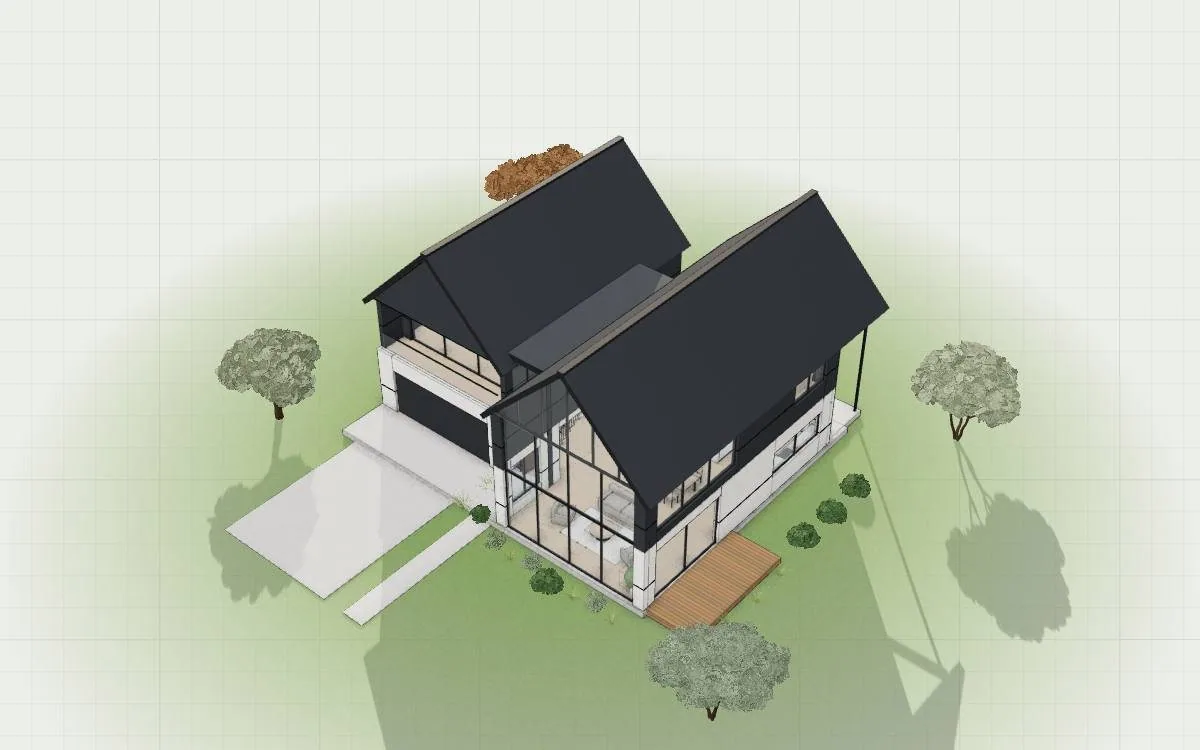
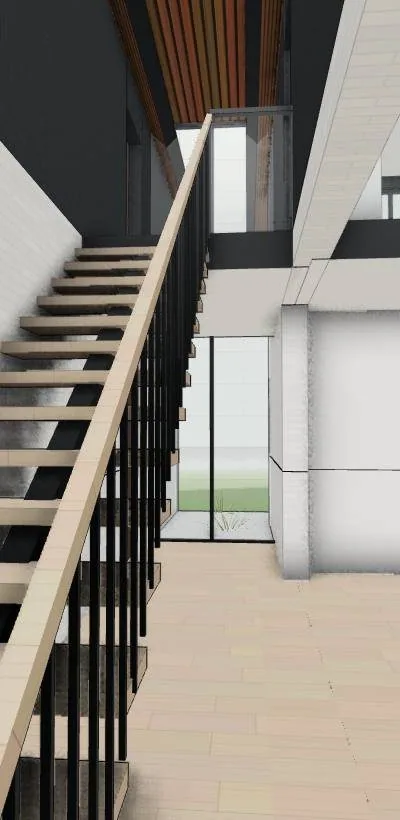
Ridgeline House · sample homeHomistry
01
What you can do
- One link to the whole home, every storey
- Visitors walk through and look around; they can’t edit anything
- Your plans, account and history stay private
- Stop sharing any time; the old link stops working for good
02
How it works
- Open your home and choose Share.
- Confirm that anyone with the link can view it.
- Copy the link and send it.
Anyone with the link can view the home and forward the link, so share it with people you trust.
03Read more
Guides
No guide covers this yet. Browse every guide.
04Keep exploring
More features
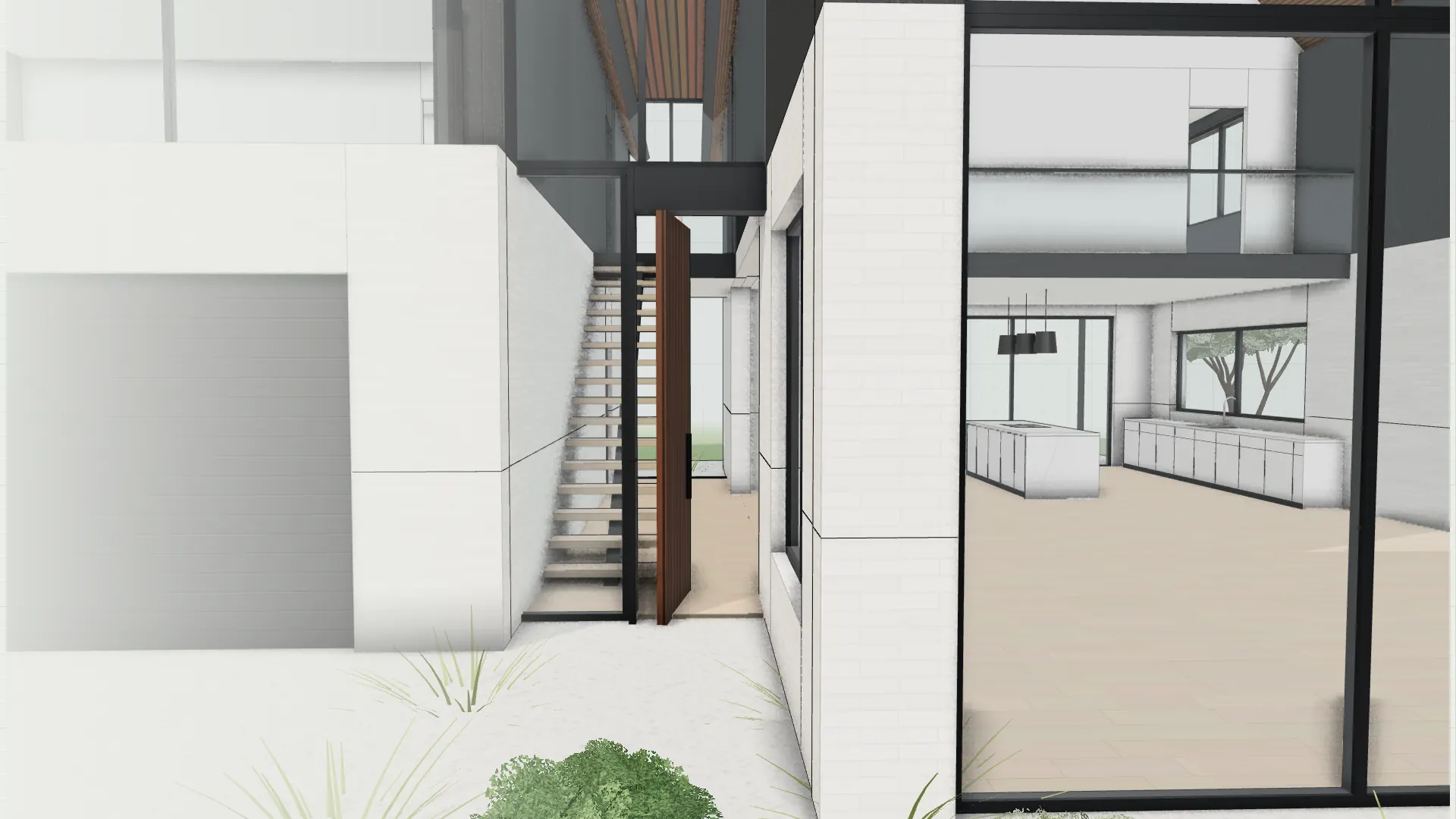
Walk-through
Upload your floor plans and walk through every room and storey of your new home in 3D, at eye level, in your browser. No app to install.
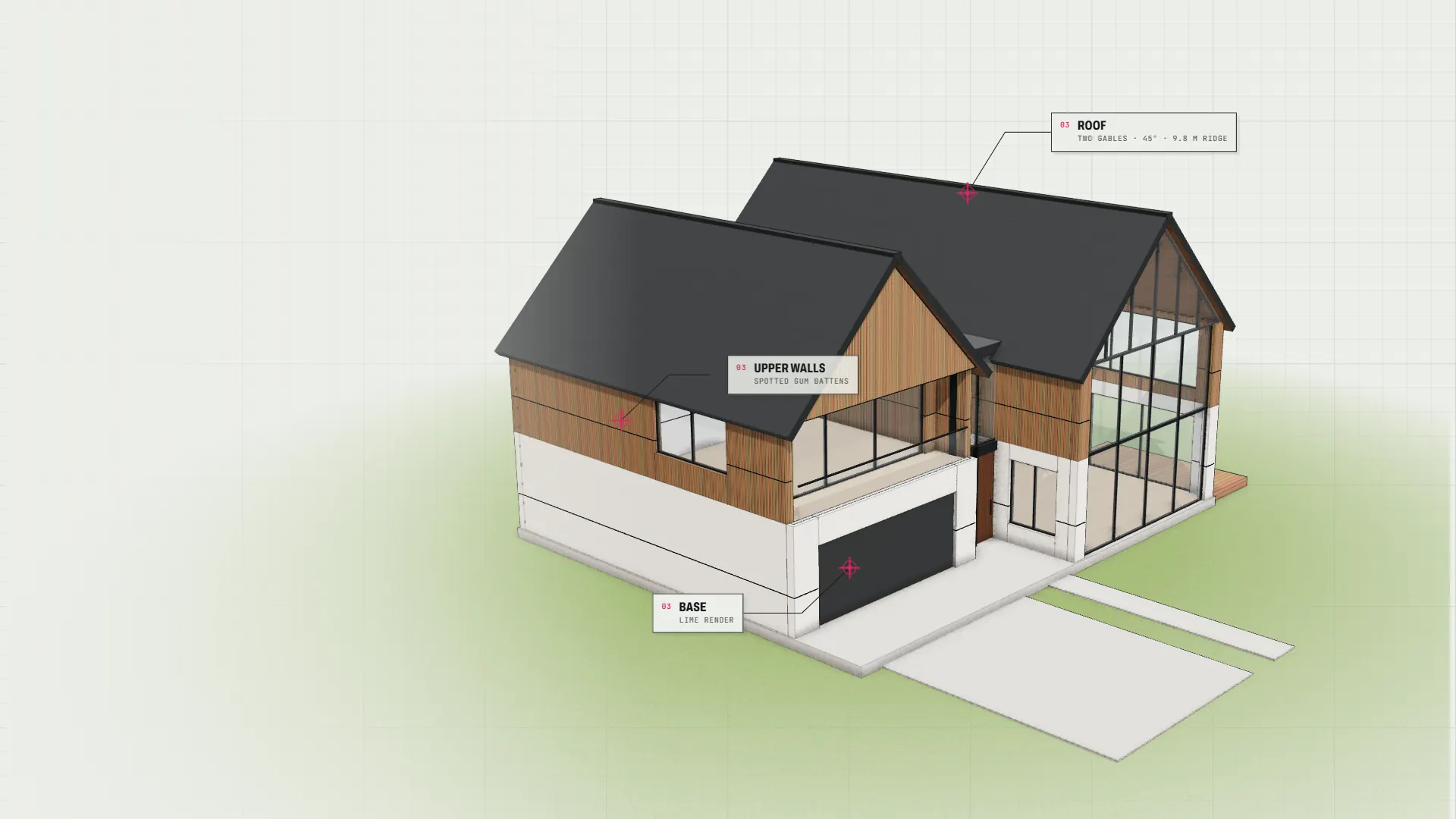
Exterior finishes
Try render, brick, weatherboard, timber, stone and panel cladding on your own house in 3D, floor by floor or wall by wall, with the roof material and colour.
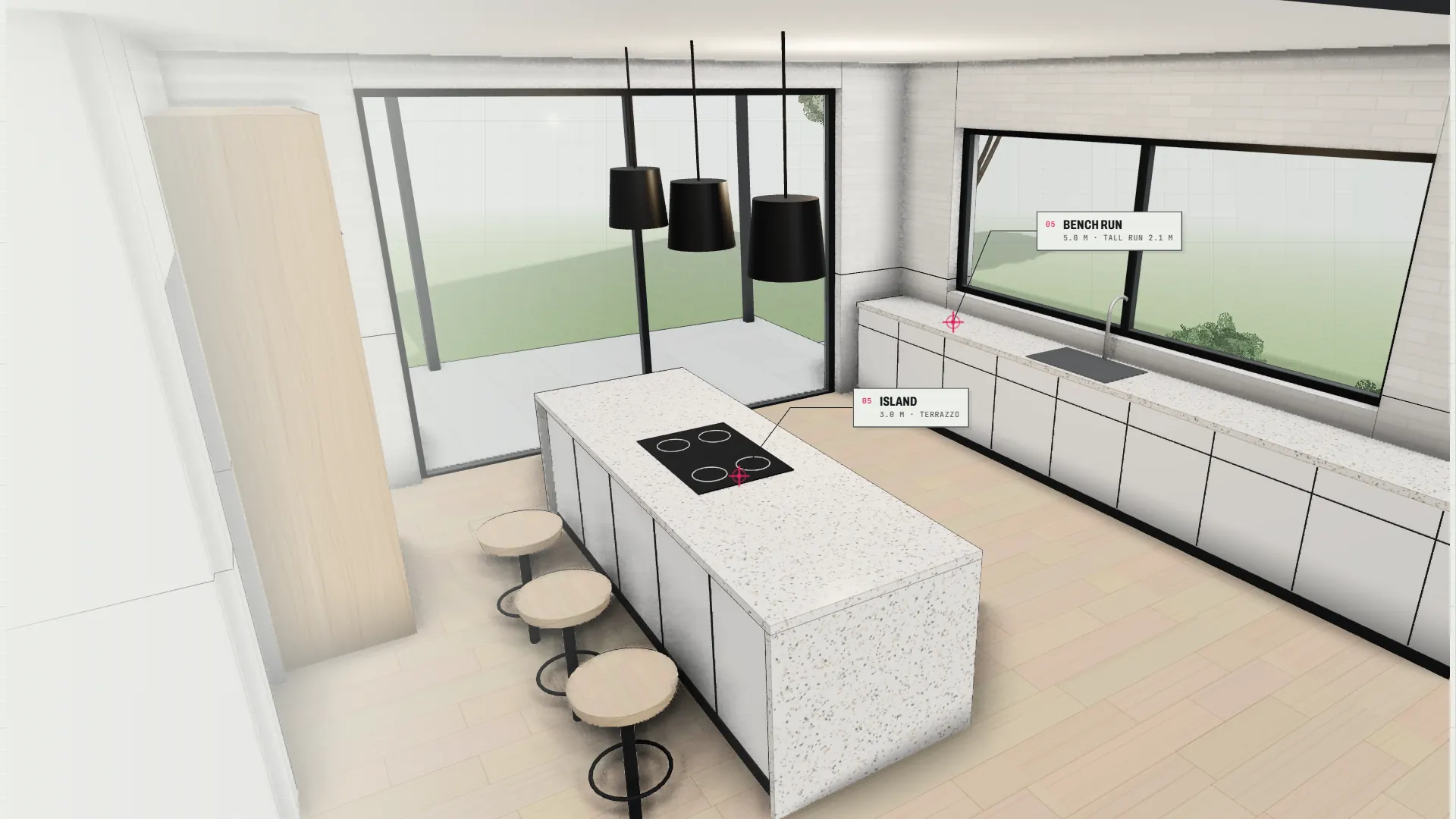
Kitchens & cabinetry
Design kitchens, islands, laundries, vanities and built-in robes at true size on your own floor plan, with benchtops, fronts, bulkheads and appliances.
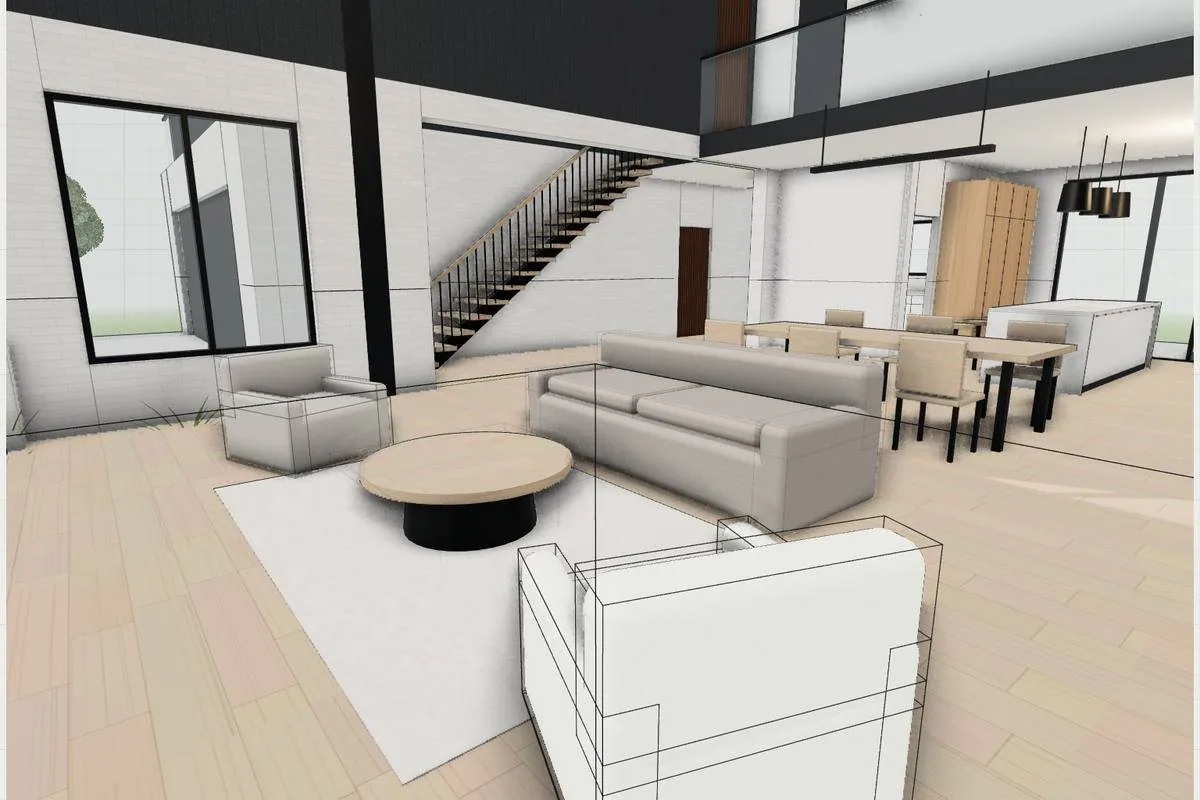
Furniture to scale
Place beds by mattress size, sofas, tables and appliances in your new home at their real dimensions, and see whether everything fits before you buy.
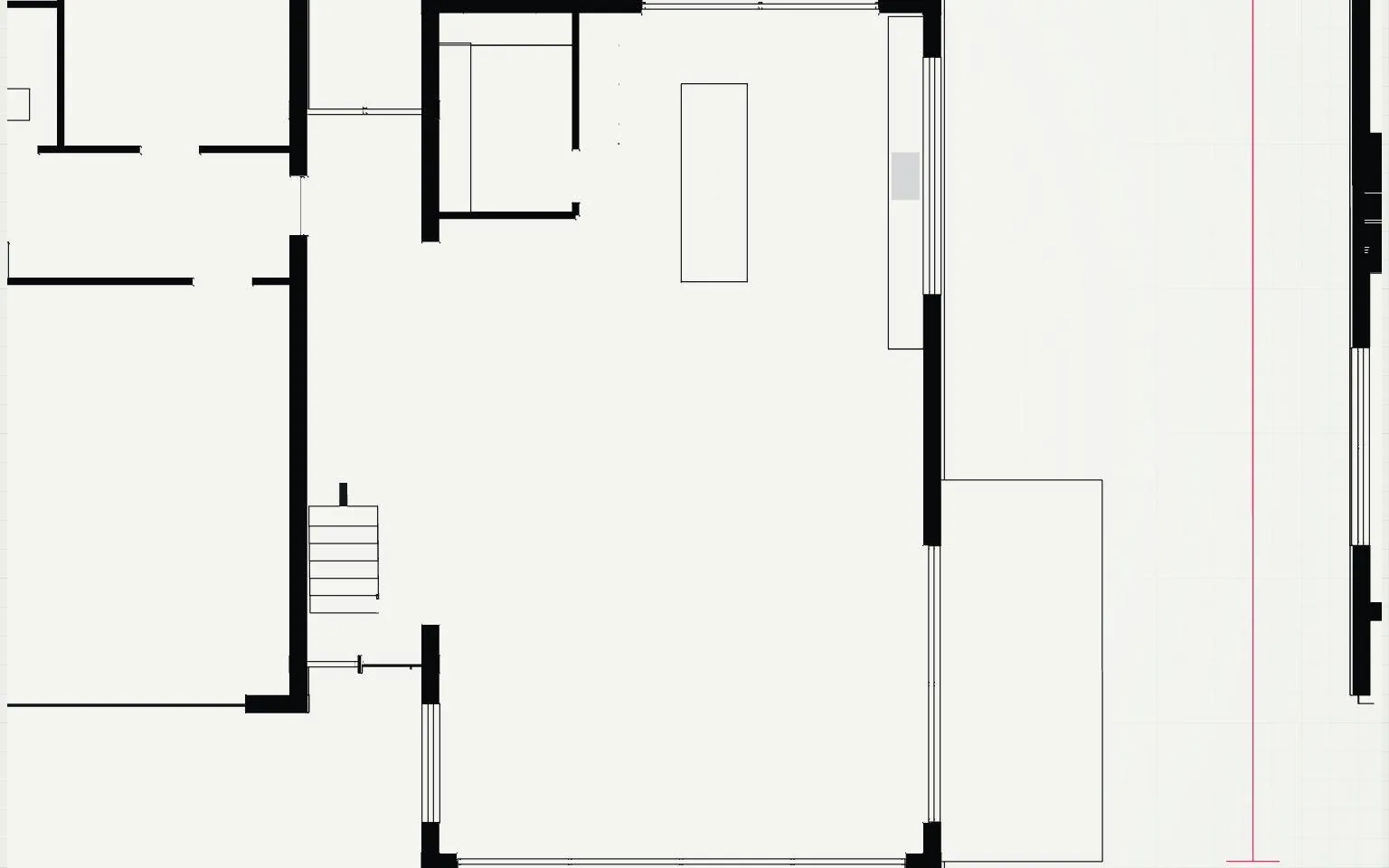
Electrical plans
Mark power points, switches, lights, data and fans on your own floor plan, and get a clear layout sheet and schedule to talk through with your electrician.
Photoreal images
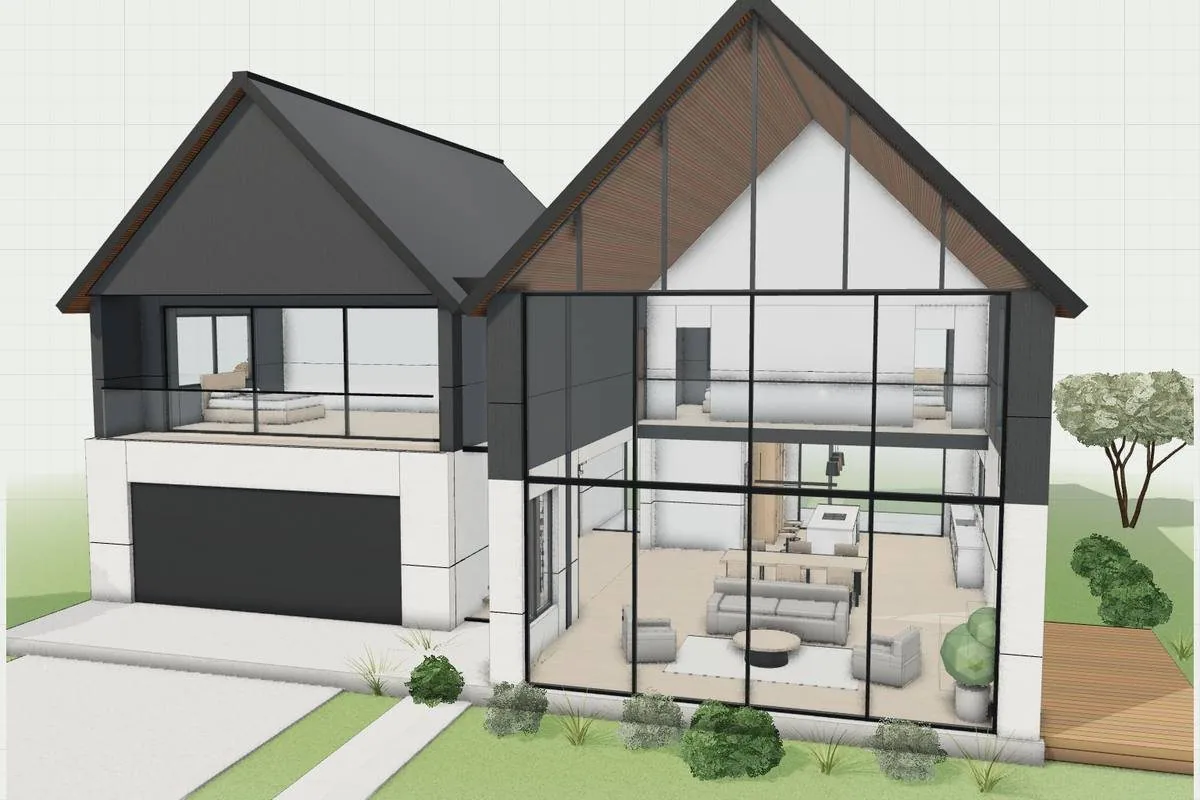
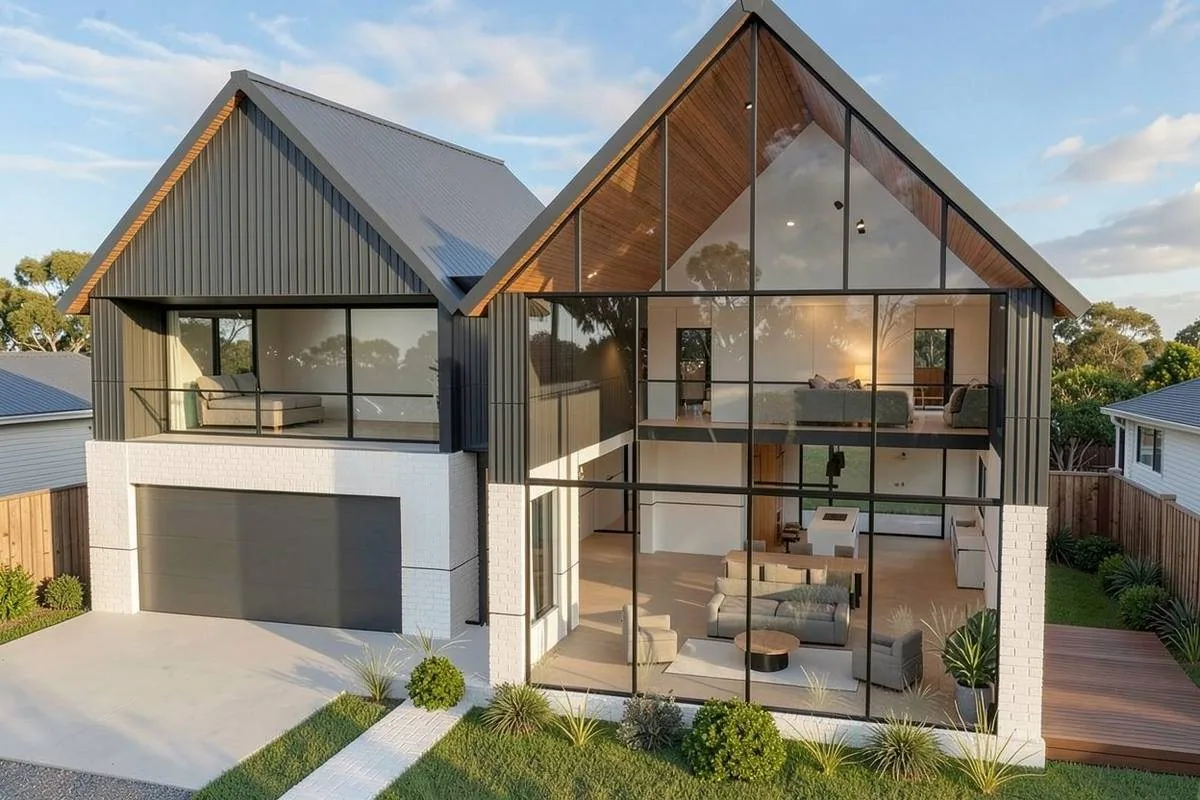
Pick any view of your 3D home and turn it into a lifelike image with your AI credits: share it with family or keep it for your colour appointment.
Sun study
Place your new home on its block and see the sun’s path over it through the day and the year, with a compass and plain notes on which rooms get sun.
Start your home’s story
Upload your plans and see them in 3D.