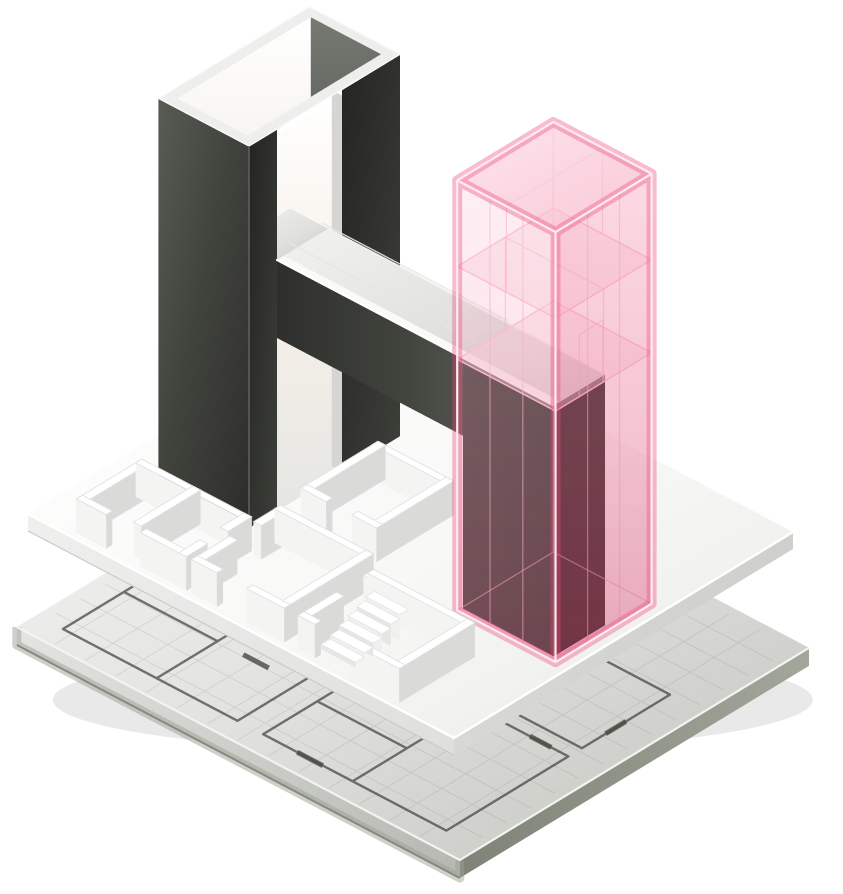

Sun study
See where the sun falls on your new home
Put your home where it will stand and watch the sun move over it. See which rooms get morning light, where the afternoon sun lands and how winter differs from summer.
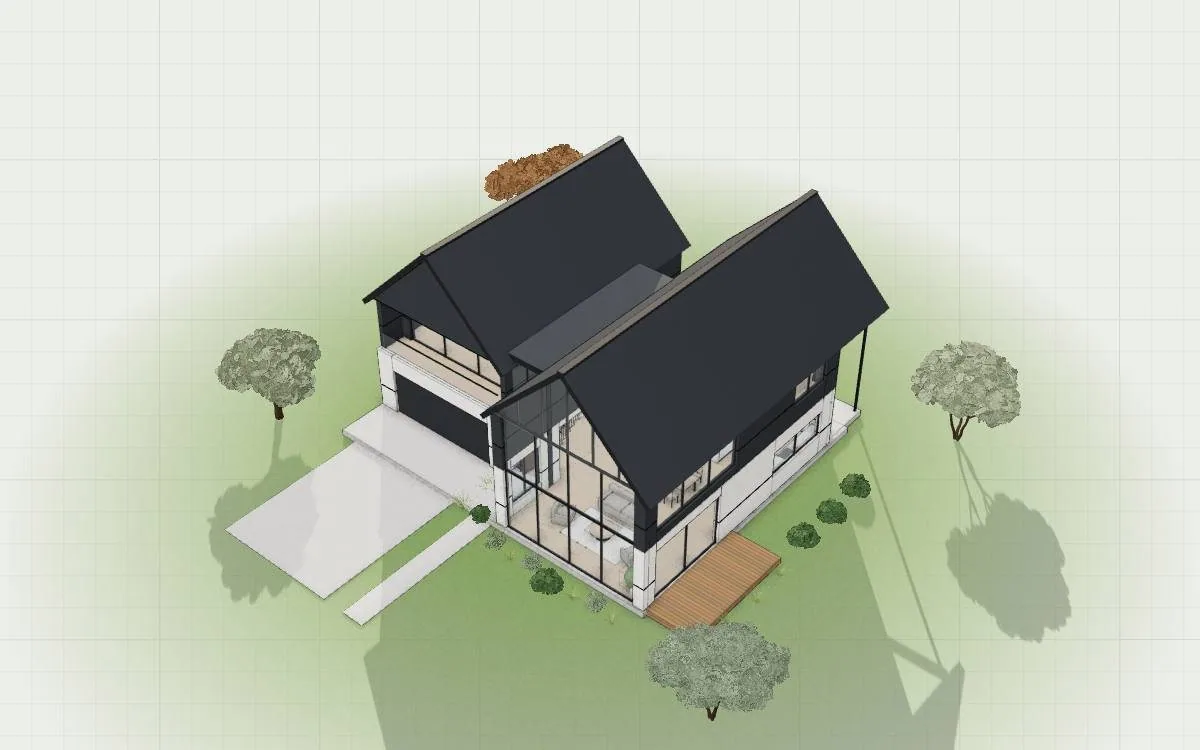
Ridgeline House · sample homeHomistry
01
What you can do
- Find your address and turn the house to face the way it will
- Move through the day and the seasons
- A compass on the ground and the day’s sun path overhead
- A few plain lines on which rooms get sun and when
02
How it works
- Open your home and choose Outside, then Sun.
- Find your address and set which way the house faces.
- Drag through the day or pick a season.
Sun positions are calculated for your location. Trees, neighbours and hills are not included.
03See it in the app
See how
Short clips of the real app, recorded on the demo home.
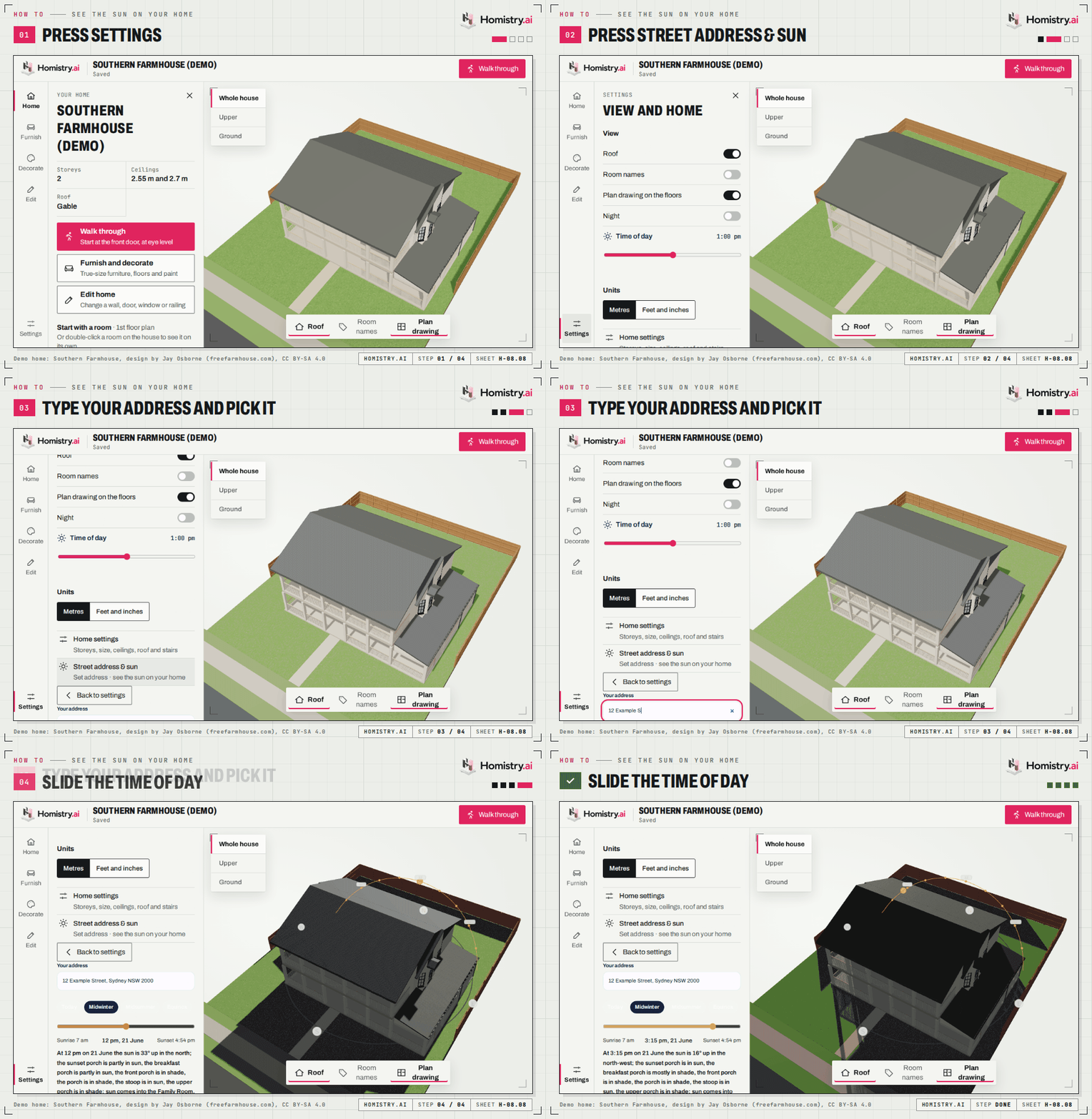
See the sun on your home
- Press Settings
- Press Street address & sun
- Type your address and pick it
- Slide the time of day
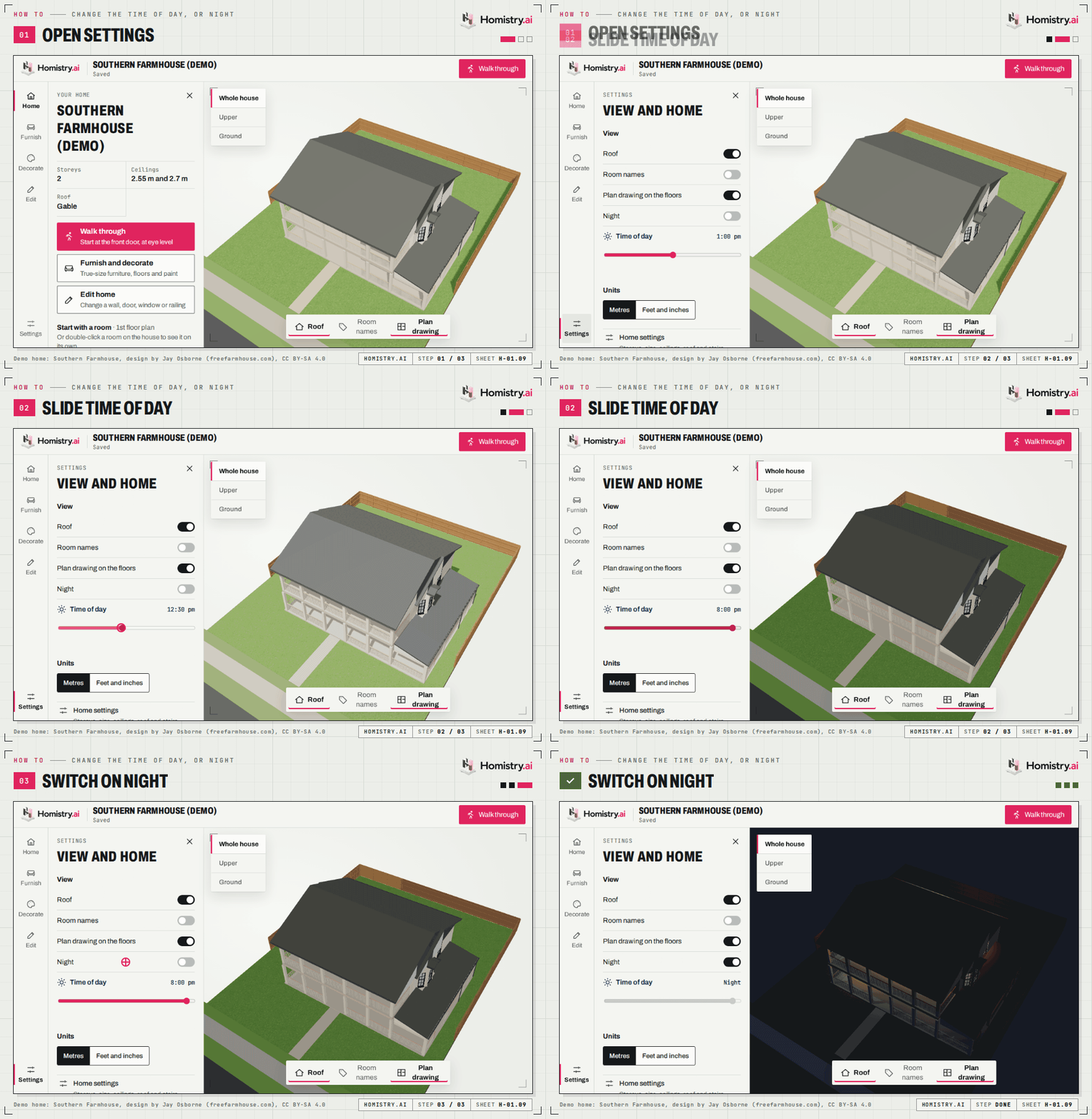
Change the time of day, or night
- Open Settings
- Slide Time of day
- Switch on Night


04Read more
Guides
05Keep exploring
More features
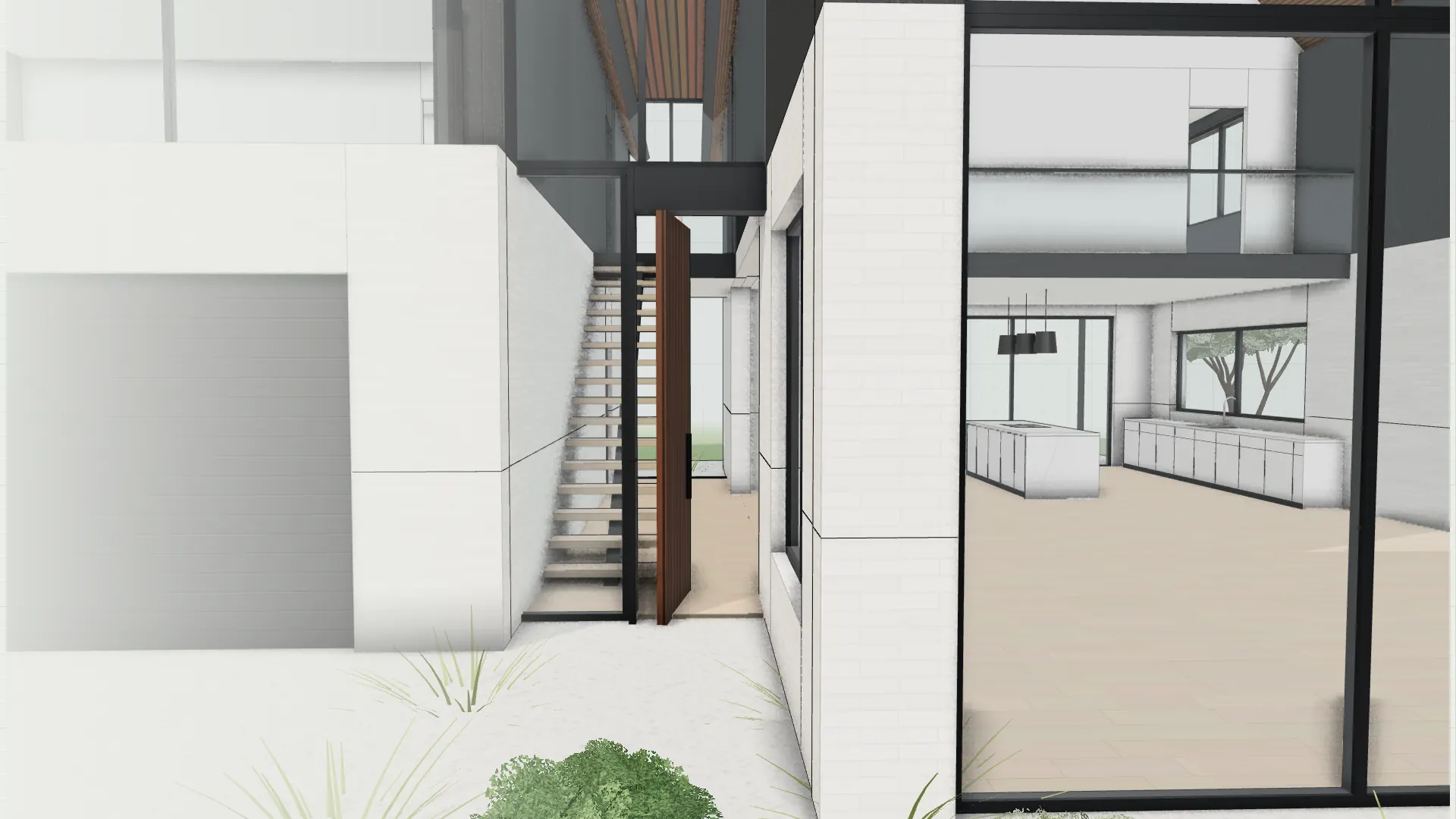
Walk-through
Upload your floor plans and walk through every room and storey of your new home in 3D, at eye level, in your browser. No app to install.
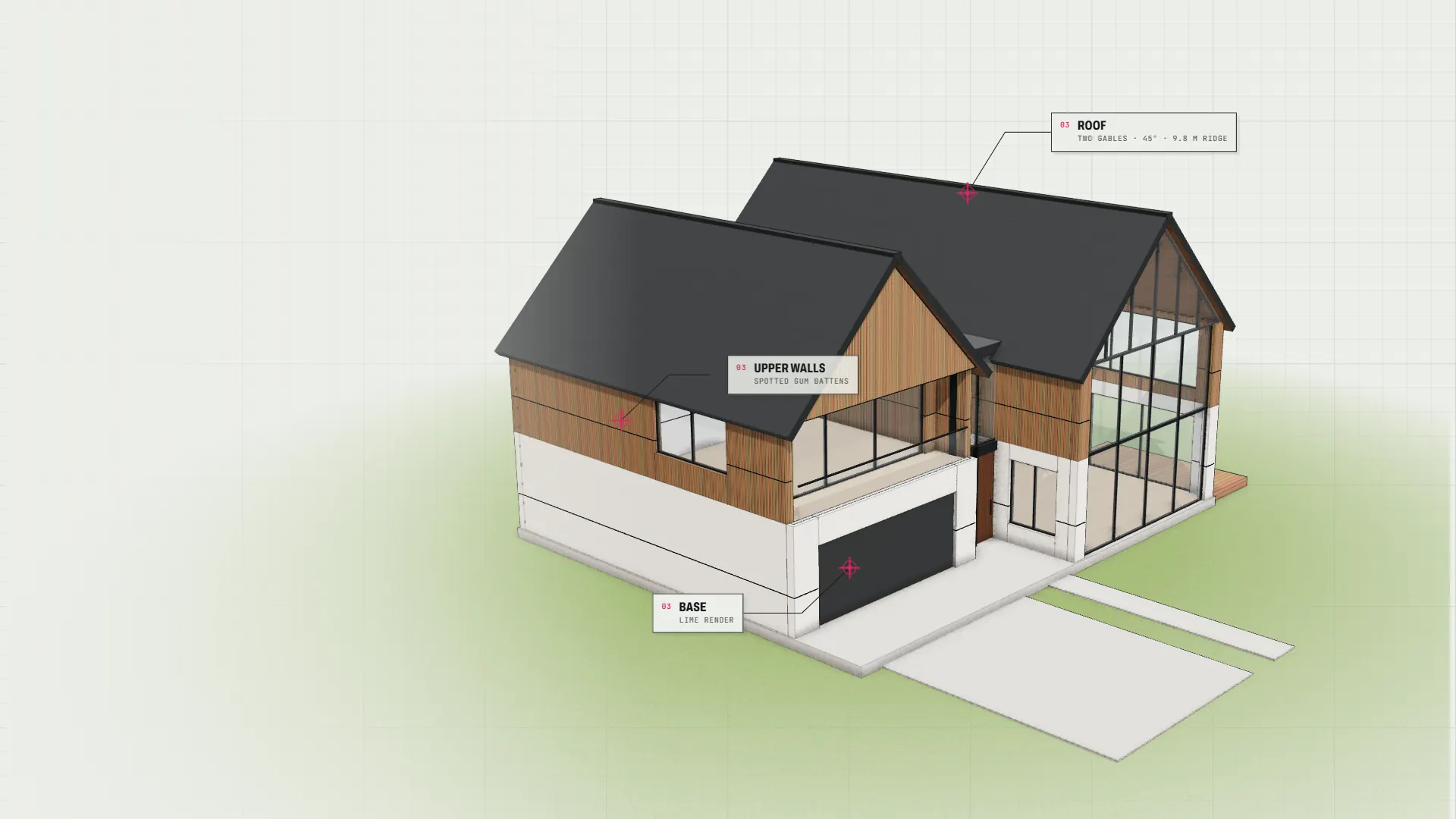
Exterior finishes
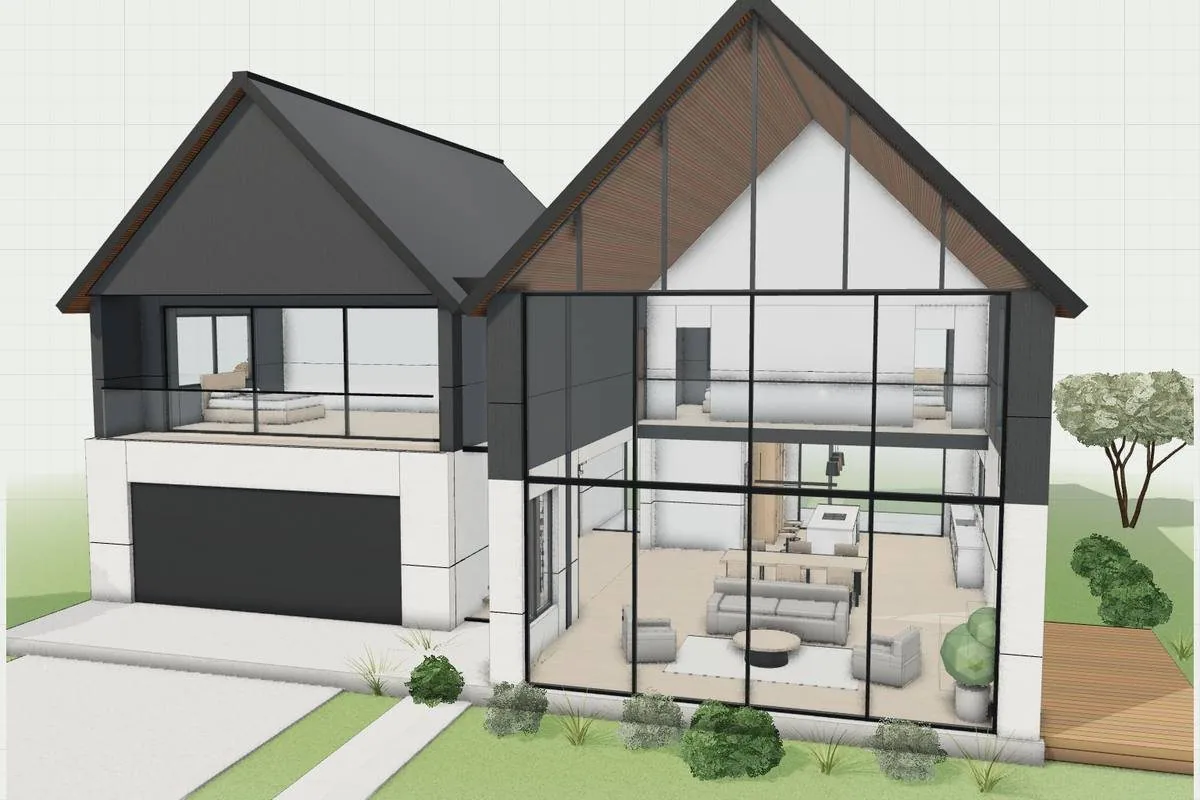
Try render, brick, weatherboard, timber, stone and panel cladding on your own house in 3D, floor by floor or wall by wall, with the roof material and colour.
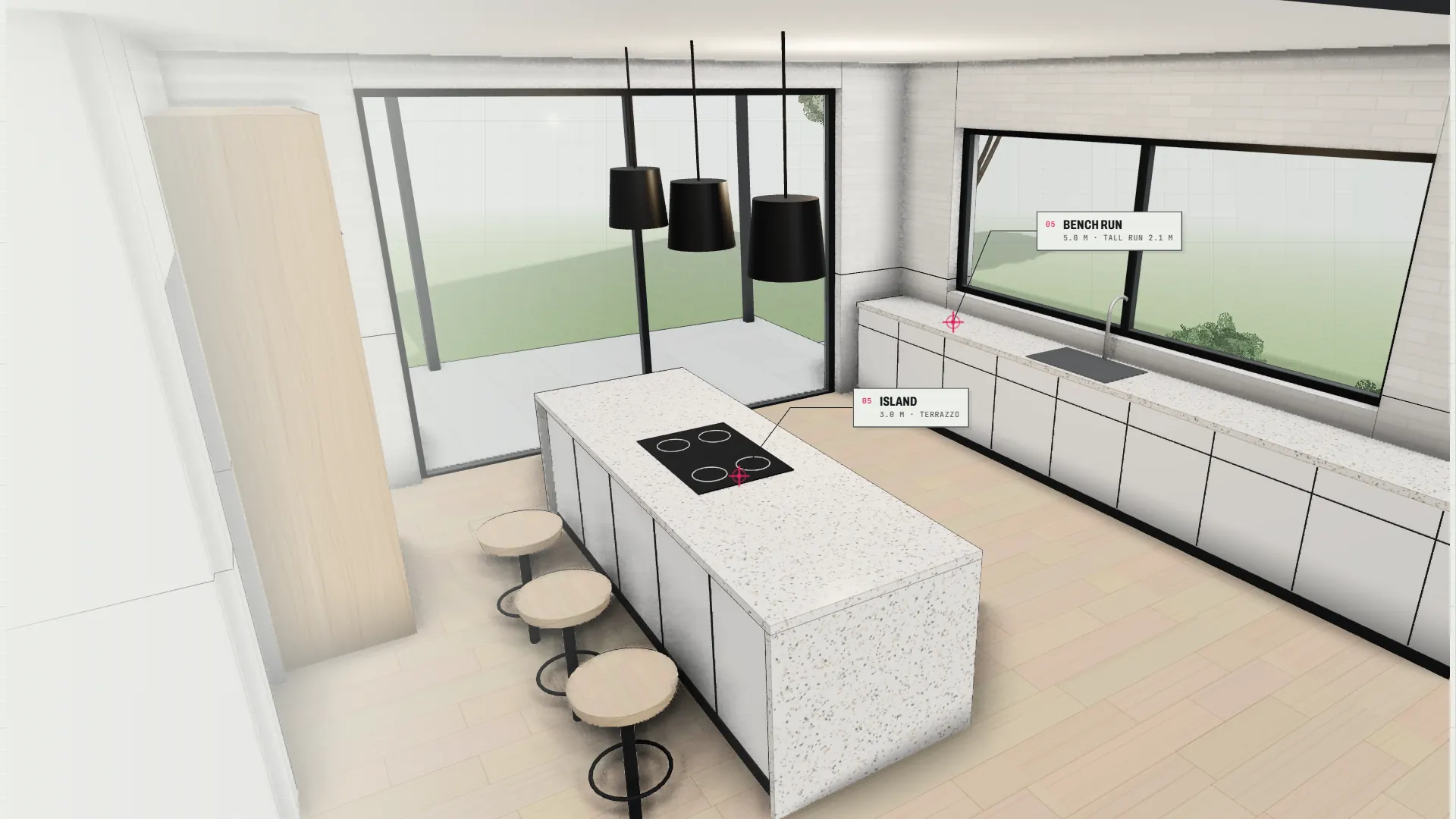
Kitchens & cabinetry
Design kitchens, islands, laundries, vanities and built-in robes at true size on your own floor plan, with benchtops, fronts, bulkheads and appliances.
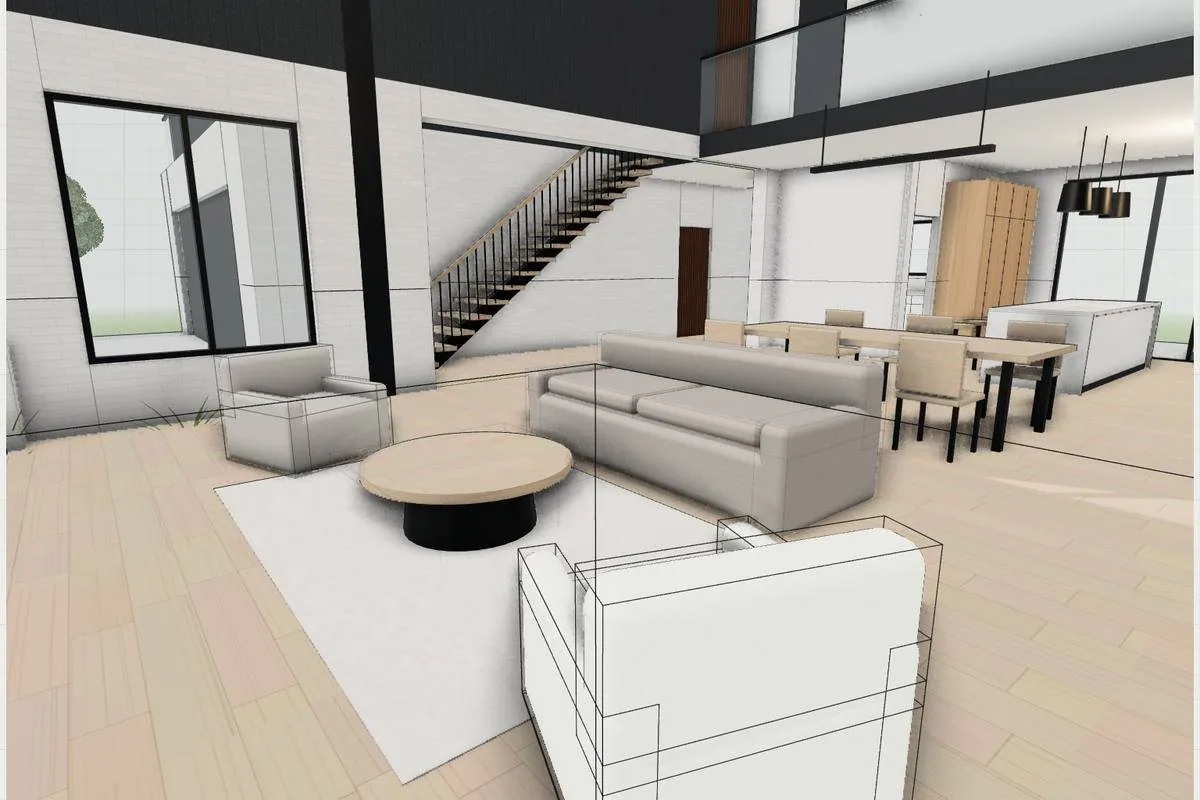
Furniture to scale
Place beds by mattress size, sofas, tables and appliances in your new home at their real dimensions, and see whether everything fits before you buy.
Electrical plans
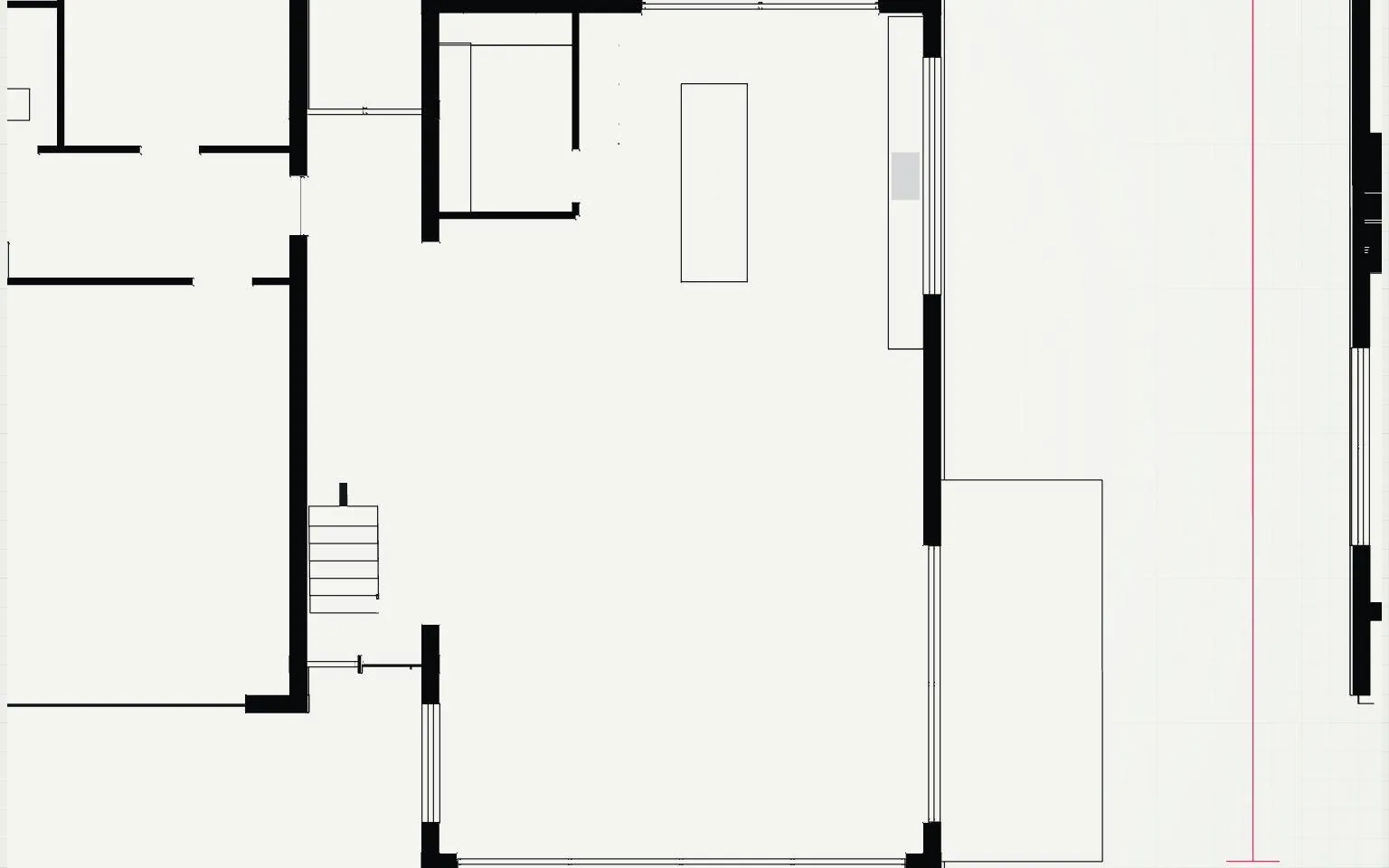
Mark power points, switches, lights, data and fans on your own floor plan, and get a clear layout sheet and schedule to talk through with your electrician.
Photoreal images
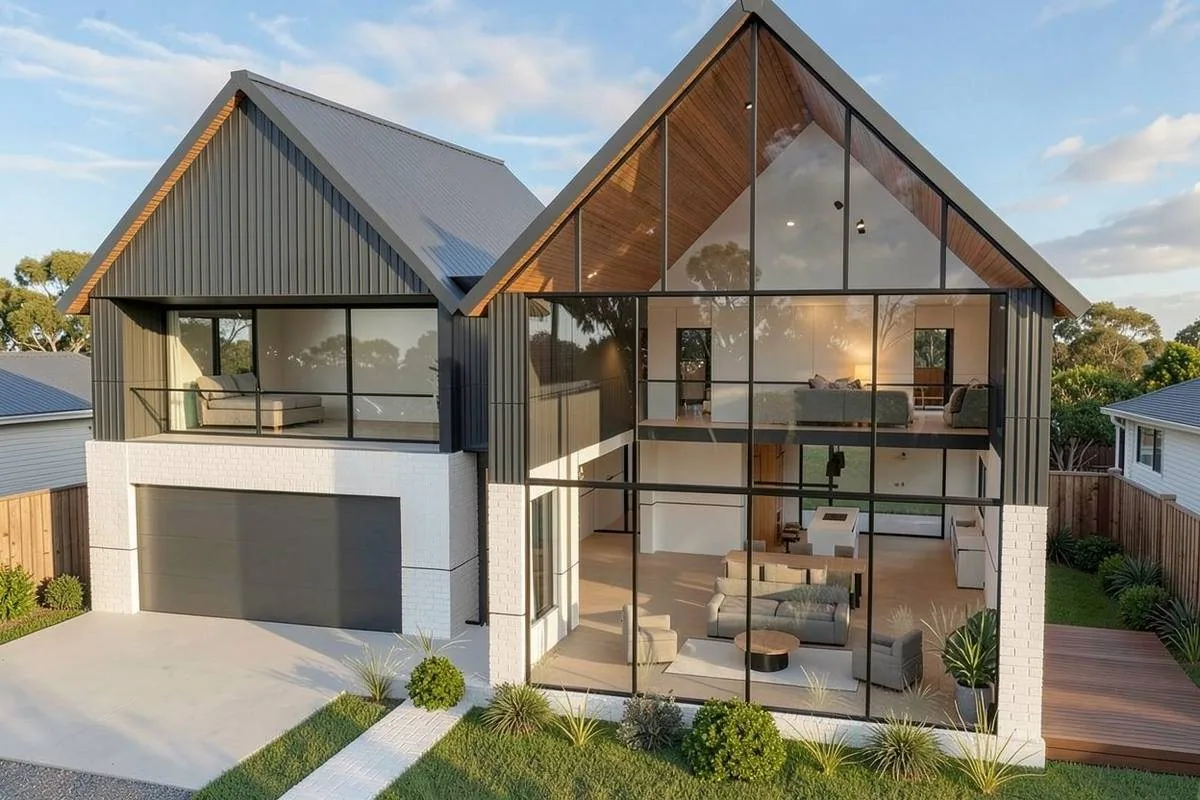
Pick any view of your 3D home and turn it into a lifelike image with your AI credits: share it with family or keep it for your colour appointment.
Sharing
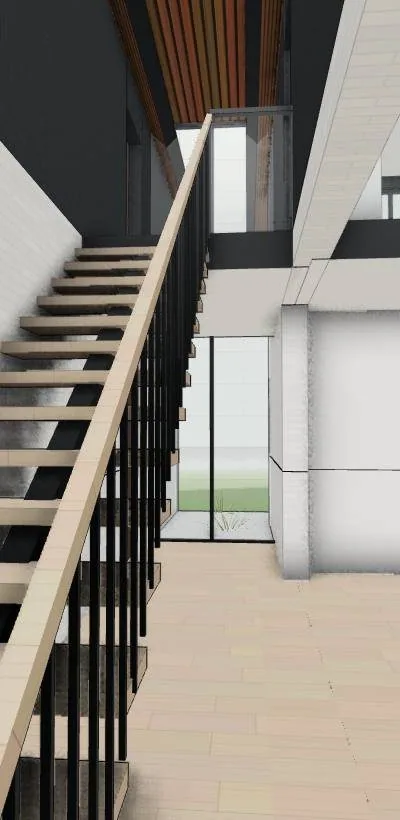
Send family and friends a private link to walk through your new home in 3D. Sharing is off until you turn it on, and you can stop it at any time.
Start your home’s story
Upload your plans and see them in 3D.